How to Get an Alert When Your VPN Disconnects on a Mac
The tricky thing about a VPN disconnecting is that nothing looks wrong. Websites still load and calls still connect; your traffic just isn't going through the VPN anymore. Here's how to protect against that, and how to get told when it happens.
Step 1: turn on your VPN's kill switch
Most VPN apps have a setting, usually called a kill switch or network lock, that blocks your internet while the VPN is down. If you're using a VPN for privacy or for work, turn it on first. It's the only thing that actually stops traffic from leaving outside the VPN. Look in your VPN app's settings; the name differs from app to app.
Some VPN apps also show their own notification when they disconnect. Check the app's notification settings, and make sure notifications for it are allowed in System Settings, then Notifications.
Step 2: get an alert, even when you're away
A kill switch blocks traffic but doesn't tell you anything, and a VPN app's own notification only helps if you're sitting at the Mac. If the Mac is running at home or in the office while you're elsewhere, you need the alert on your phone.
NetCheck for Mac does this with VPN Alerts, part of Heartbeat Relay. When your Mac's VPN turns off while its internet keeps working, you get an alert on the Mac and on your iPhone or iPad in the free NetCheck Relay app, and another when the VPN is back. It doesn't depend on which VPN app you use: it checks where your Mac's traffic actually leaves, and waits a few seconds after a network change so a VPN that reconnects by itself doesn't set it off.
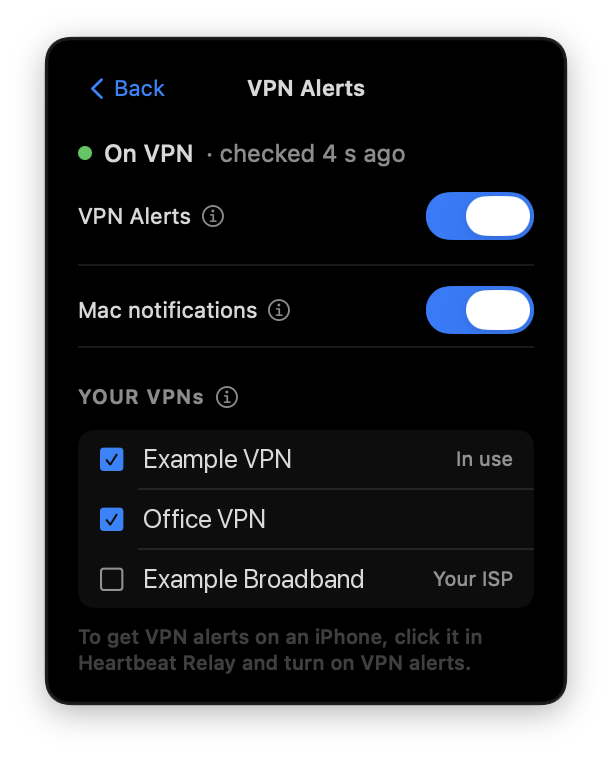
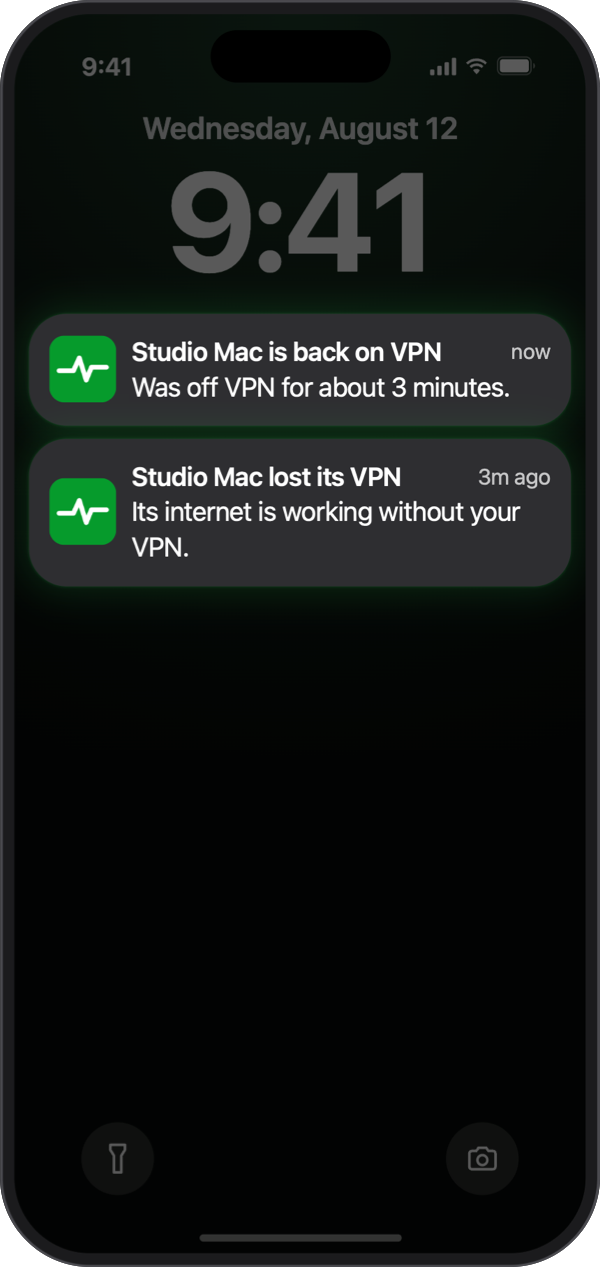
VPN Alerts don't block any traffic; they only tell you. Use them alongside a kill switch, not instead of one.
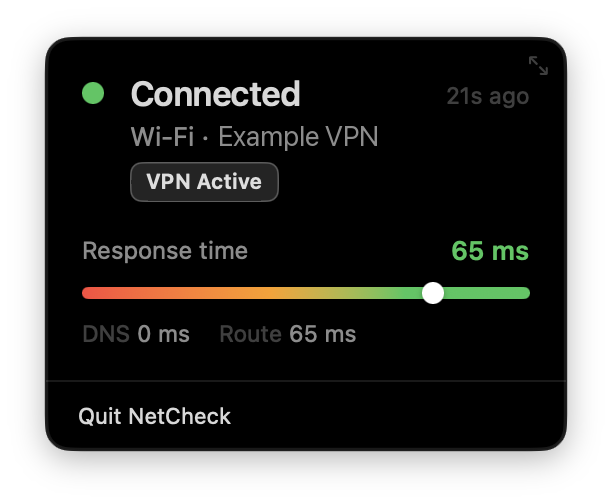
On the Mac itself, NetCheck's free version shows a VPN badge whenever your connection goes through a VPN, so a glance at the menu bar tells you whether you're protected.
Heartbeat Relay is a subscription: $1.99 a month or $14.99 a year, with the first week free for new subscribers. It also alerts your phone when the Mac loses its internet altogether.
NetCheck is free on the Mac App Store, with an optional one-time Pro upgrade.
Get NetCheck See all featuresFrequently Asked Questions
Why doesn't my Mac warn me when the VPN drops?
macOS shows VPN status in System Settings, but it doesn't send a notification when a VPN disconnects. Whether you get one depends on your VPN app.
Will I get an alert when I turn the VPN off myself?
Yes. VPN Alerts report the VPN being off while the internet keeps working, whatever turned it off, and you get the "back" alert when you turn it on again.