
NetCheck app icon macOS

NetCheck

Know your internet is actually working.

NetCheck sits quietly in your menu bar as a single dot — green when you have internet, grey when you don't. Unlike the Wi-Fi indicator, it confirms real internet access with a lightweight network probe.

Download on the Mac App Store
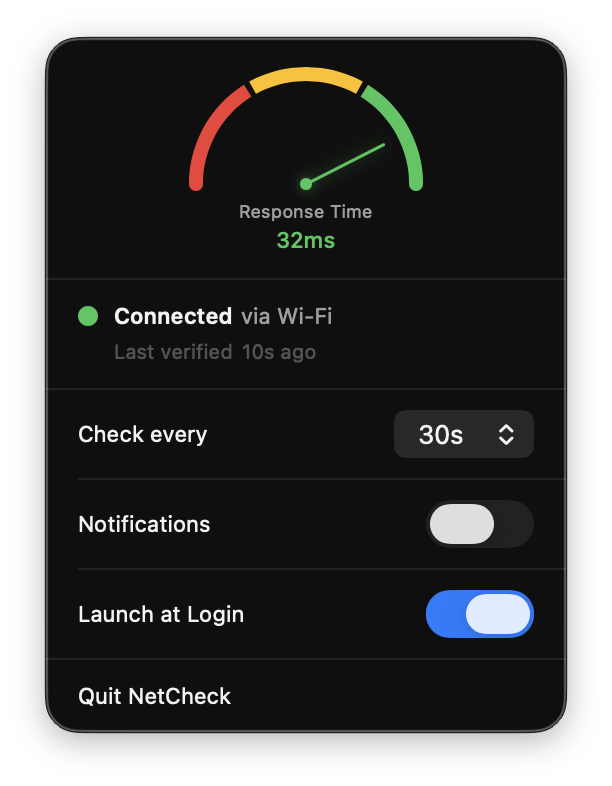
NetCheck's menu bar popover showing a response time gauge reading 32ms, a 'Connected via Wi-Fi' status, and settings for check interval, notifications, and launch at login.

Features

Response time meter

See your connection quality at a glance, right from the menu bar.

Instant notifications

Get notified the moment your internet drops — and again when it restores.

Customizable interval

Set how often NetCheck probes your connection — anywhere from 5 seconds to 5 minutes.

Stays out of your way

No dock icon. No Cmd+Tab entry. Just a single dot in your menu bar.

Launch at Login

Start automatically when you log in to your Mac, so you're always covered.