NetCheck app icon macOS

NetCheck

Know your internet is actually working.

NetCheck sits quietly in your menu bar as a single dot — green when you have internet, grey when you don't. Unlike the Wi-Fi indicator, it confirms real internet access with a lightweight network probe, and shows you exactly where a connection is failing when it does.

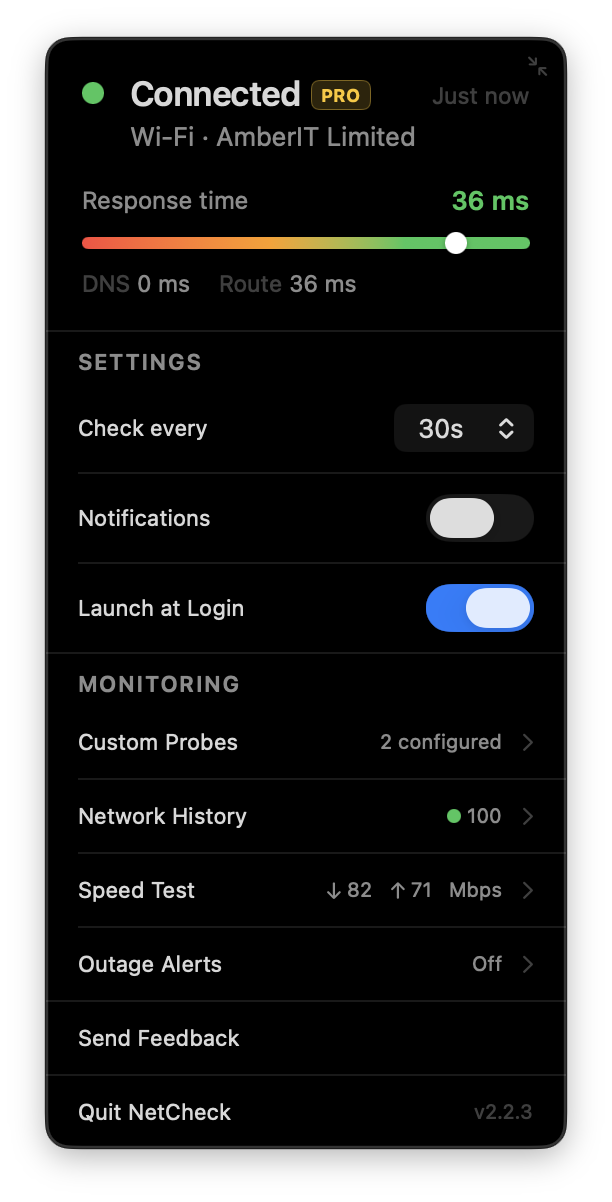
NetCheck's menu bar popover showing a Connected status via Wi-Fi with a 34ms response time meter, DNS and route latency, settings for check interval, notifications, and launch at login, and a NetCheck Pro upgrade card listing Custom Probes & CSV Export, Network History & Reliability, Speed Test, and Outage Alerts.

Features

Response time meter

See your connection quality at a glance, right from the menu bar.

Network Path Diagram

When you're offline, see exactly where it's failing — your Mac, your router, or your ISP.

Instant notifications

Get notified the moment your internet drops — and again when it restores.

VPN Detection

Know at a glance when you're connected through a VPN.

ISP Identification

See your ISP name at a glance, right alongside your connection status.

In Your Language

Available in 34 languages — NetCheck automatically matches your Mac's system language, including full right-to-left support for Arabic and Hebrew.

Customizable interval

Set how often NetCheck probes your connection — anywhere from 5 seconds to 5 minutes.

Lightweight & unobtrusive

No dock icon, no Cmd+Tab entry — just a single menu bar dot that's ready the moment you log in.

NetCheck Pro

For people whose internet has to actually work.

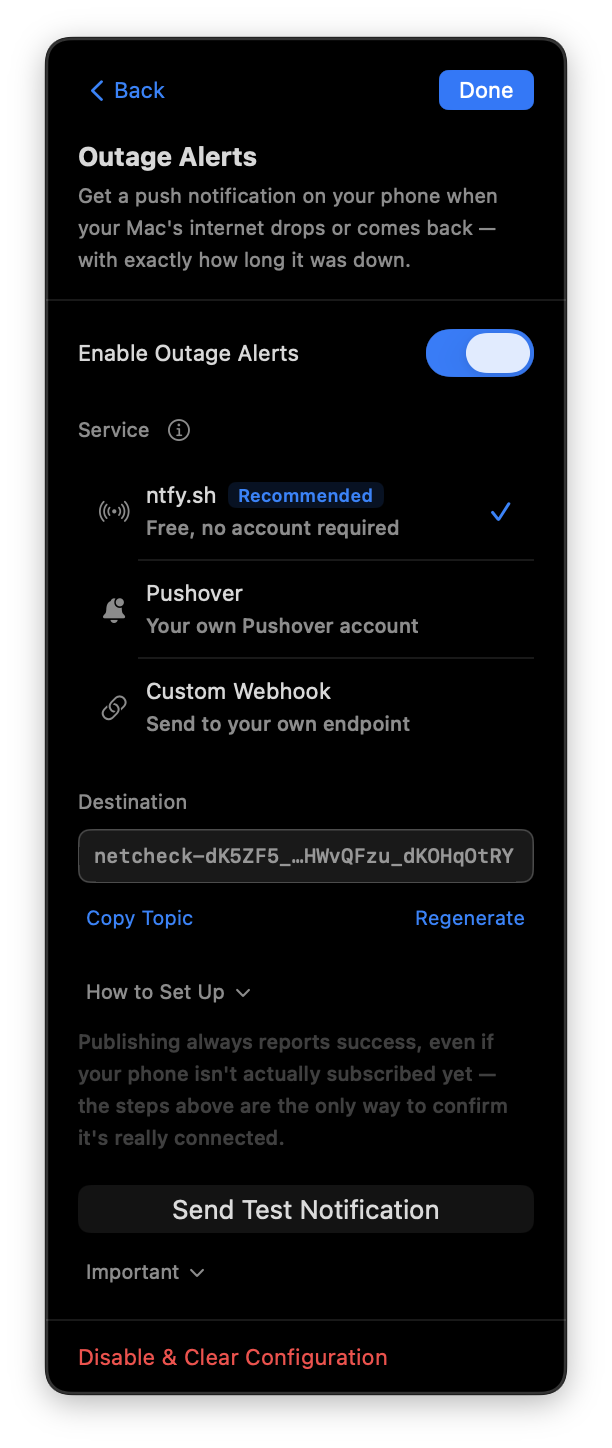
  • Outage Alerts on Your iPhone
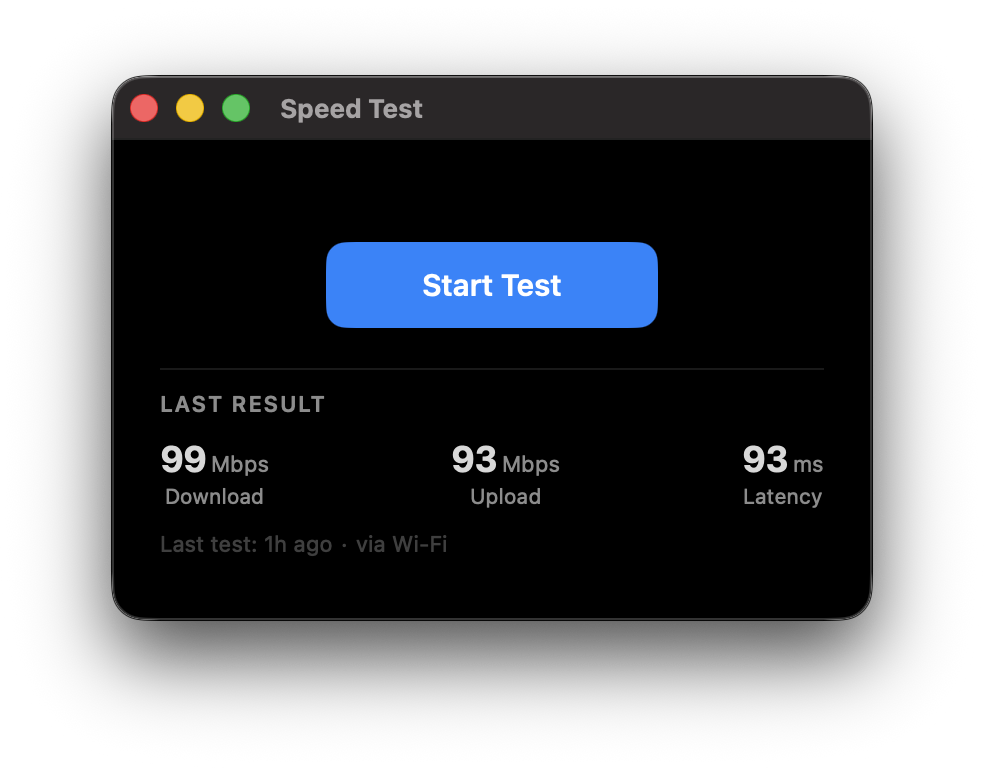
  • Built-in Speed Test
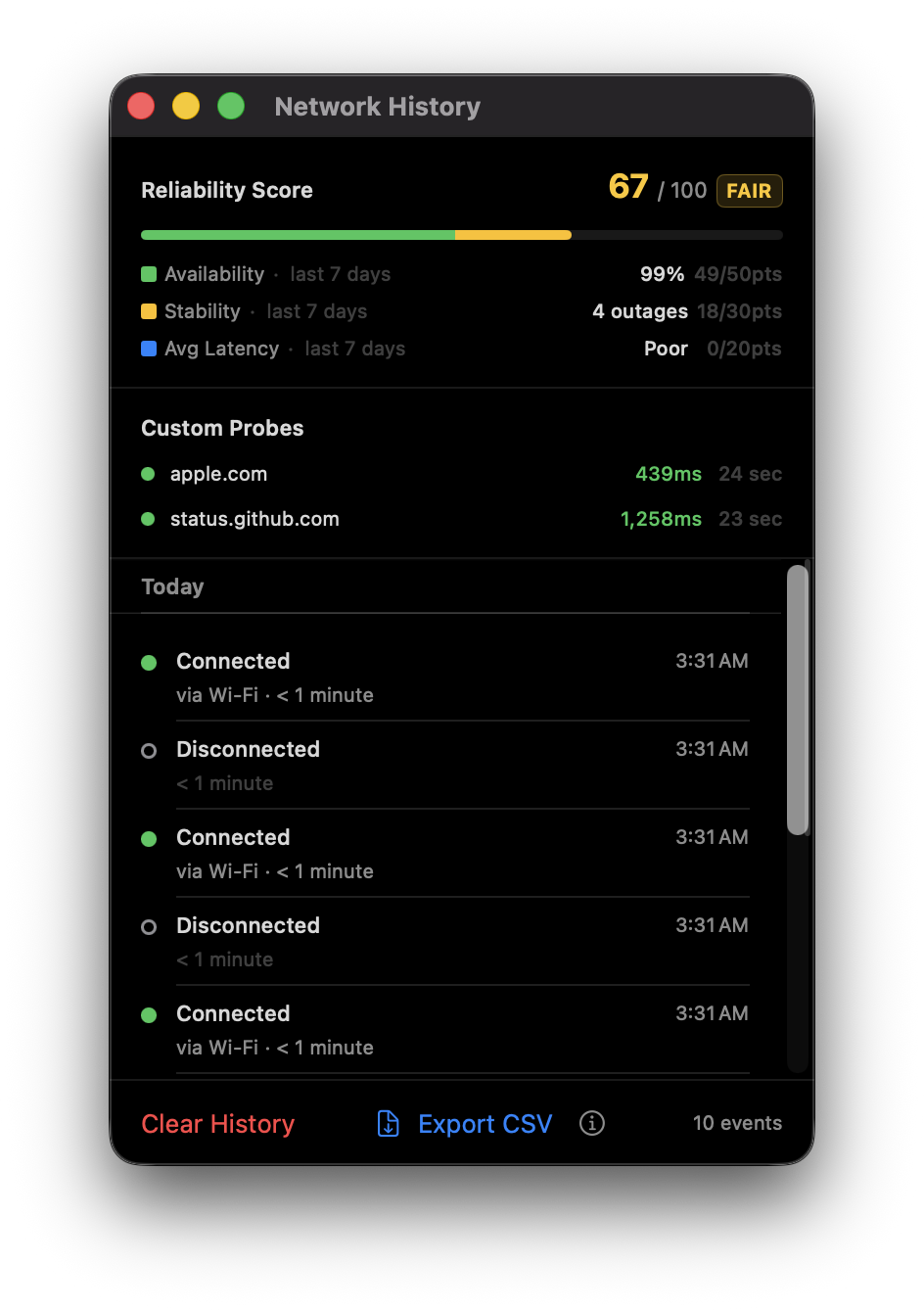
  • Network History & Timeline
  • Reliability Score
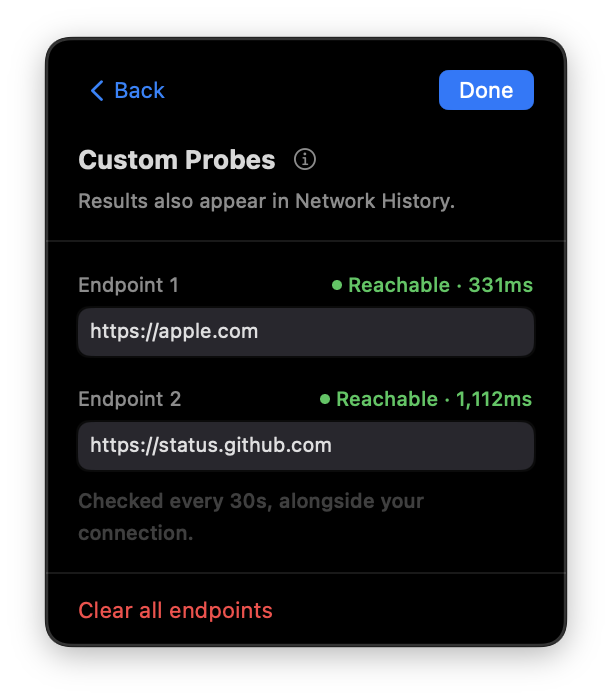
  • Custom Probe Endpoints
  • CSV Export
  • Shortcuts Integration

$9.99 · one-time, no subscription

Download NetCheck for free, then unlock Pro from within the app.

Download on the Mac App Store