NetCheck app icon NetCheck Relay app icon
The beta is open

NetCheck 3.0 beta

Help us test Heartbeat Relay.

NetCheck 3.0 for Mac and NetCheck Relay for iPhone and iPad are in beta, and we'd like your help testing them.

Start on your Mac. NetCheck Relay does nothing on its own: it needs the NetCheck 3.0 beta running on a Mac.
What you will test

The new feature in NetCheck for Mac, called Heartbeat Relay. Your iPhone or iPad gets an alert when your Mac drops offline, and another when it's back.

What you need

A Mac running macOS 15 or later, and an iPhone or iPad. You need both. Setting up takes about five minutes.

Install both apps, Mac first

First: NetCheck, on your Mac

  1. Download TestFlight, Apple's own app for testing beta apps. If you already have it, go to step 2.
    Get TestFlight
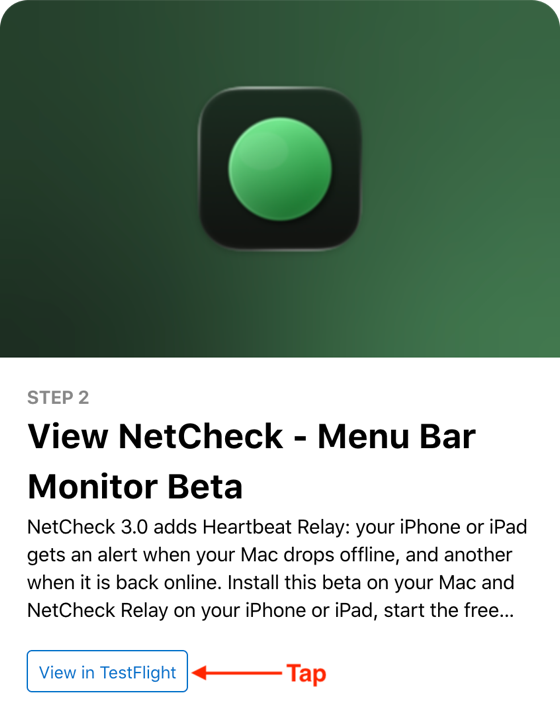
  2. Click the link below, then click the "View in TestFlight" button on the page that opens. NetCheck opens in TestFlight, ready to install.
    Join the NetCheck beta Apple's TestFlight page for the NetCheck beta, with the heading 'Step 2: View NetCheck - Menu Bar Monitor Beta' and the 'View in TestFlight' button under it.

Then: NetCheck Relay, on your iPhone or iPad

  1. Download TestFlight, Apple's own app for testing beta apps. If you already have it, go to step 2.
    Get TestFlight
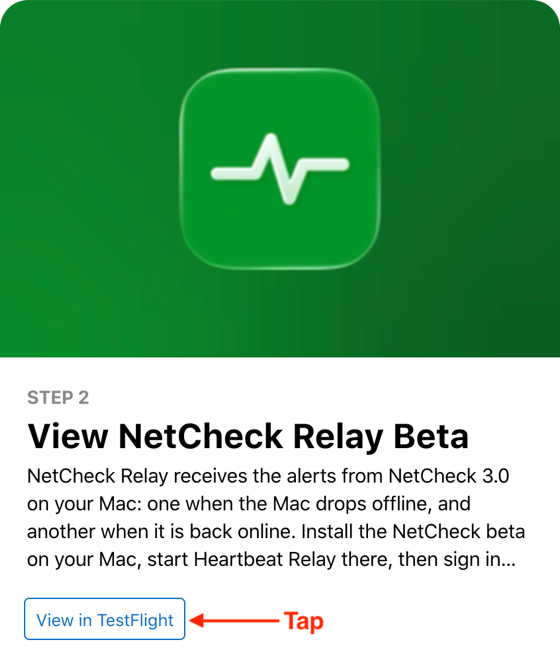
  2. Tap the link below, then tap the "View in TestFlight" button on the page that opens. NetCheck Relay opens in TestFlight, ready to install.
    Join the NetCheck Relay beta Apple's TestFlight page for the NetCheck Relay beta, with the heading 'Step 2: View NetCheck Relay Beta' and the 'View in TestFlight' button under it.

Then, with both apps installed

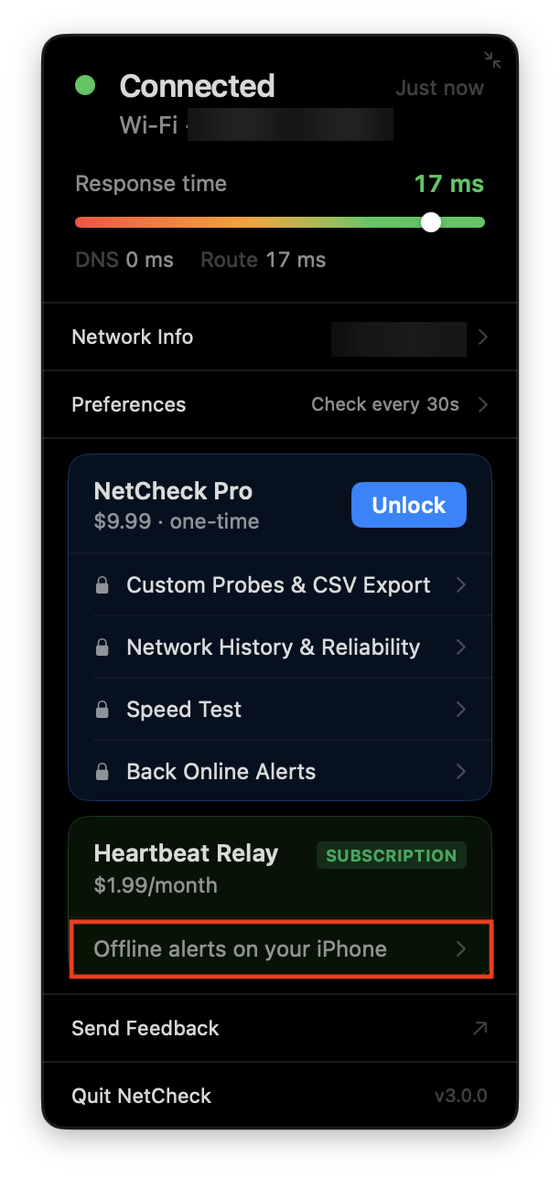
  1. On your Mac, open NetCheck from the menu bar, choose Heartbeat Relay and start the free trial. Sign in with Apple when asked, then choose Pair a Phone. NetCheck's menu bar window, with the row 'Offline alerts on your iPhone' under Heartbeat Relay marked in red.
  2. On your iPhone or iPad, open NetCheck Relay, sign in with the same Apple account, and scan the code shown on your Mac.
  3. Try it: turn your Mac's Wi-Fi off for about two minutes. Keep your iPhone or iPad on mobile data, so the alert can reach it.

Good to know

  • You will not be charged. The purchase is made in Apple's beta environment, so no money is taken. Apple's purchase sheet says so itself: "Beta testers aren't charged for this In-App purchase, and it will only be available during testing."
  • We don't keep your information. The beta runs on a test server, and everything on it is deleted when the beta closes.
  • The beta closes on 11 November 2026. Test as much or as little as you like.
  • In TestFlight, a subscription ends by itself after about a week. If Heartbeat Relay stops, start it again from the same screen. You still won't be charged.

How to send feedback

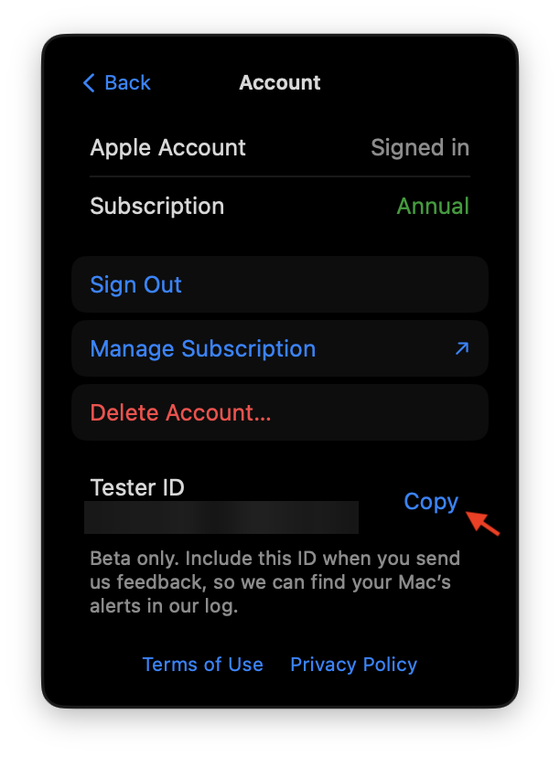
  1. Copy your Tester ID. On your Mac, open NetCheck, choose Heartbeat Relay, click the account icon (a person in a circle), and click Copy. In NetCheck Relay it is on the Account screen as well. NetCheck's Account screen on the Mac, with an arrow pointing at the Copy button beside Tester ID.
  2. Choose Send Feedback, in NetCheck's menu bar window on your Mac or on the Account screen of NetCheck Relay. It opens our support form.
  3. Paste your Tester ID and tell us what happened: what you expected, what you saw, and roughly when. If an alert looked wrong, say what your Mac was doing at the time, for example asleep, lid closed, shut down, or Wi-Fi off.

The Tester ID lets us find your Mac's alerts in our log. We use it for nothing else.